

Translation, word tools and voice notes for Mac.
KeyAct is a native Mac menu bar app for translation, word lookup, writing tools and voice notes. Bring your words into one panel, then take the result back to your work.
macOS 15+ · Start free · No subscription

YouTube loads only when you choose Load video. Sound starts off; turn it on in the player if you want.
Watch on YouTube ↗- Platform
- Mac · macOS 15 or later
- Start free
- Translate · Synonyms · LookUp
- Full Access
- Optional one-time in-app purchase
- Keep it simple
- No KeyAct account · No subscription
HOW IT WORKS
Copy. Choose. Keep going.
For emails, study notes, unfamiliar words and the ideas you would rather say aloud.
-
Bring your words
Copy text from your work, or type it directly into KeyAct.
-
Choose an action
Open the menu bar app and translate, look up, check or dictate.
-
Take the result back
Copy the result and paste it where you need it.
YOUR WORDS, YOUR WORKFLOW
Start with three free tools.
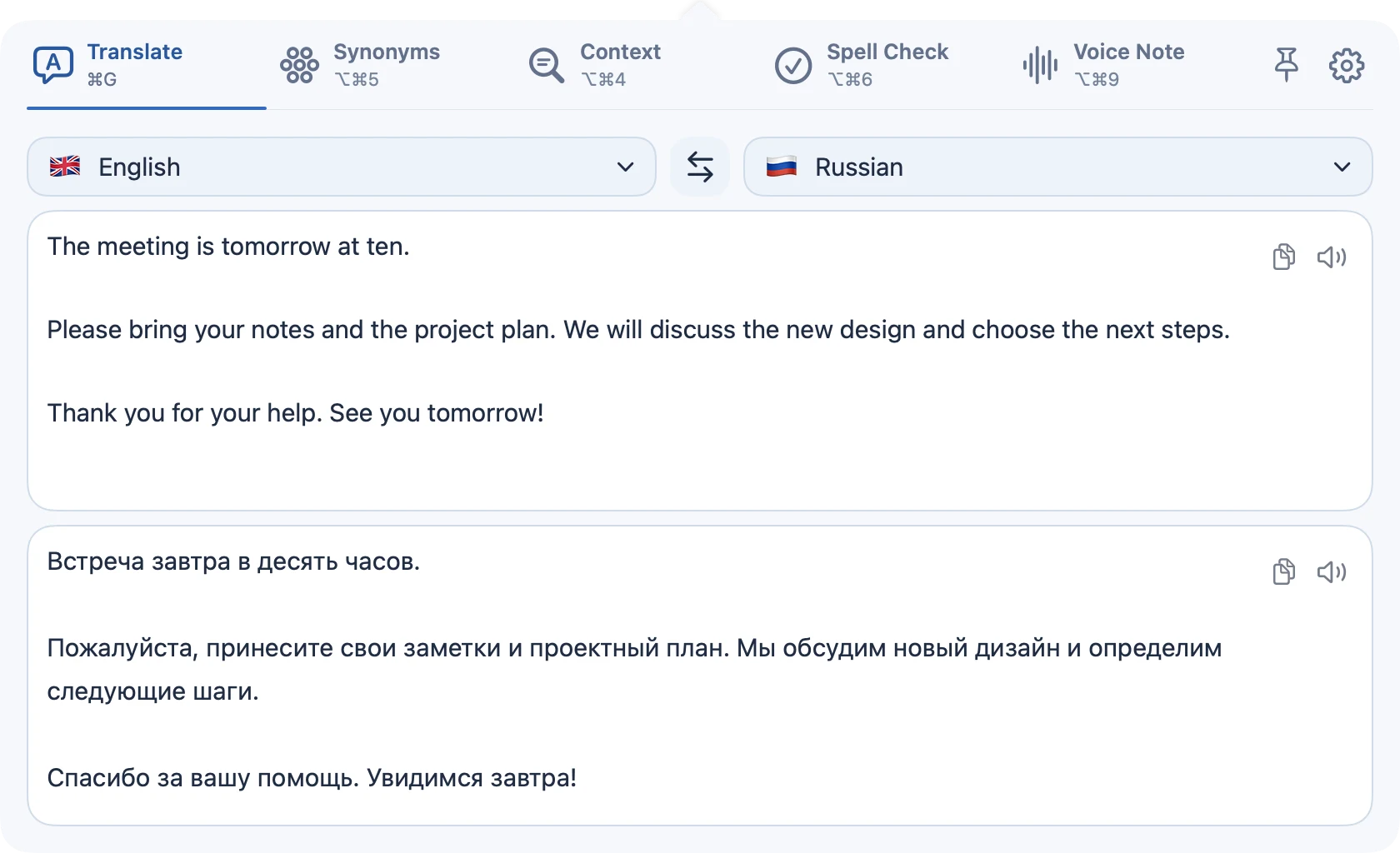
Download KeyAct and use Translate, Synonyms and LookUp without buying Full Access.
INCLUDED FREE
Read with more clarity.
-
Translate
Type or paste text, choose your languages and copy the translation.
-
Synonyms
Explore related words as you write. Suggestions are not always interchangeable.
-
LookUp
Check macOS dictionaries, with an optional online Wiktionary fallback.
OPTIONAL FULL ACCESS
More ways to work with words.
One in-app purchase unlocks these five tools. No recurring subscription; check the Mac App Store for your local price.
-
Context
See the parts of speech in a sentence to explore its structure.
-
Spell Check
Review spelling in the text you enter before copying it back.
-
Conjugation
Browse bundled offline verb dictionaries for 14 languages. Coverage varies by verb.
-
Voice Note
Turn speech into text using Apple speech recognition.
-
Actions
Open configured URLs, send HTTP requests and run scripts you install in KeyAct’s Application Scripts folder.
VOICE NOTE / FULL ACCESS
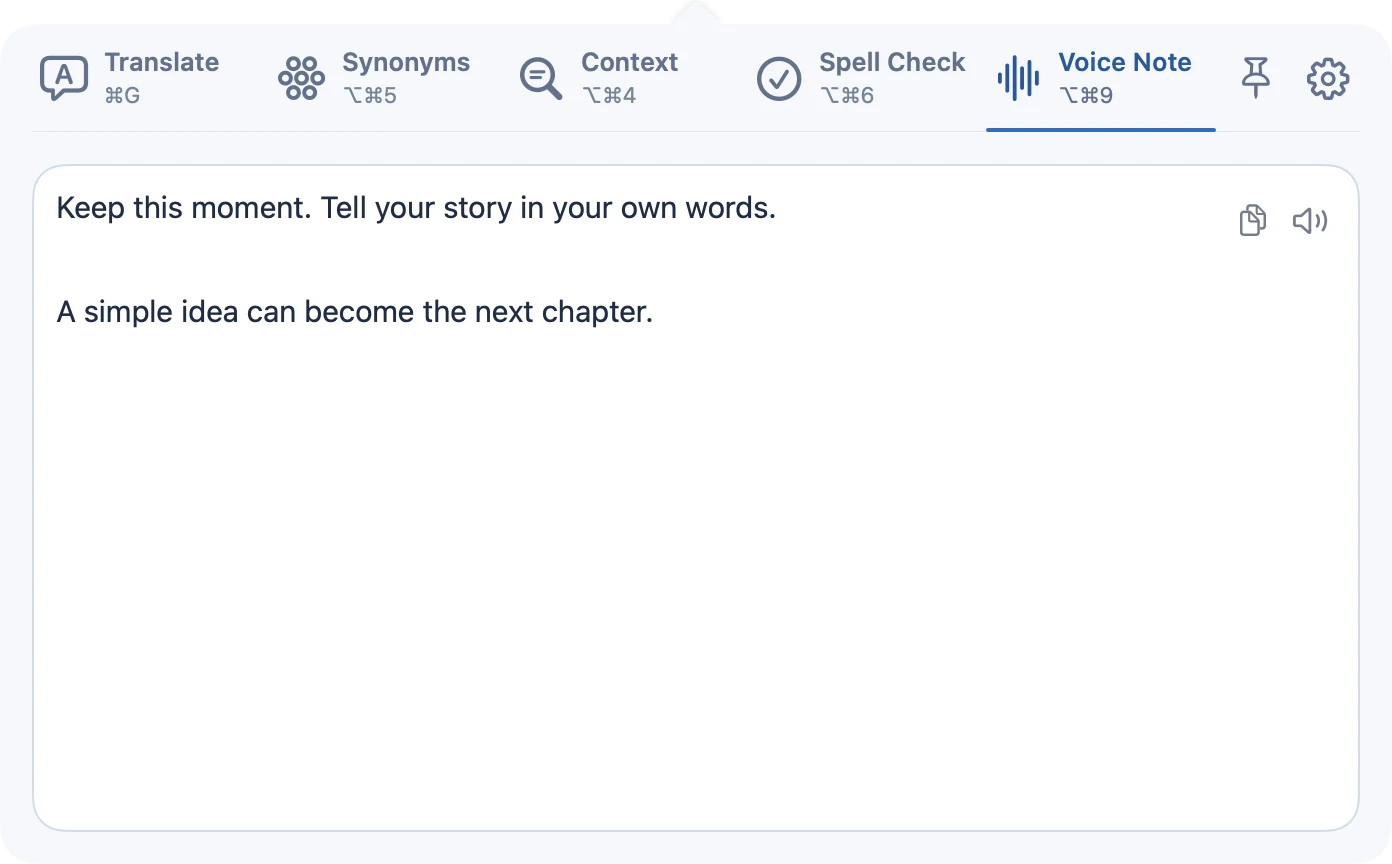
Say the idea while it is fresh.
Dictate a note with Apple speech recognition, then copy the text into your email, document or task list.
Microphone and Speech Recognition permissions are required. On-device recognition varies by language and Mac.
QUESTIONS
Before you download.
What is KeyAct?
KeyAct is a native macOS menu bar app for working with words and voice. It brings translation, synonyms, word lookup, context, spelling, conjugation, voice notes and configurable actions into one panel.
Which features can I use for free?
Translate, Synonyms and LookUp are free. The optional one-time Full Access purchase unlocks Context, Spell Check, Conjugation, Voice Note and Actions. The Mac App Store shows the price for your region.
Does KeyAct require a subscription or an account?
There is no KeyAct account and no subscription. Installation and the optional Full Access purchase are handled through the Mac App Store.
How do I use text from another app?
Copy the text, open KeyAct and paste it into the relevant tool. You can also type directly into KeyAct. Copy the result and paste it back into your work.
Does everything work offline?
Language tools use available Apple frameworks and local resources. Downloading missing language data requires internet access. Optional online dictionary lookup and network actions can contact their destination services directly. Voice Note requires supported on-device Apple speech recognition, plus Microphone and Speech Recognition permissions.
Which devices and languages are supported?
KeyAct requires a Mac with macOS 15 or later. The app interface is in English. Language availability varies between translation, dictionaries and speech recognition; check the tools and the current Mac App Store listing for details.
SUPPORT & PRIVACY
Know what you are using.
KeyAct is made by Rain Digit. Read the app-specific privacy policy and setup guides for permissions, online services and configurable actions.
KeyAct support & setup ↗ Read the KeyAct privacy policy ↗KEYACT / MACOS 15+
Keep your words moving.
Free download · Optional one-time Full Access · No KeyAct account